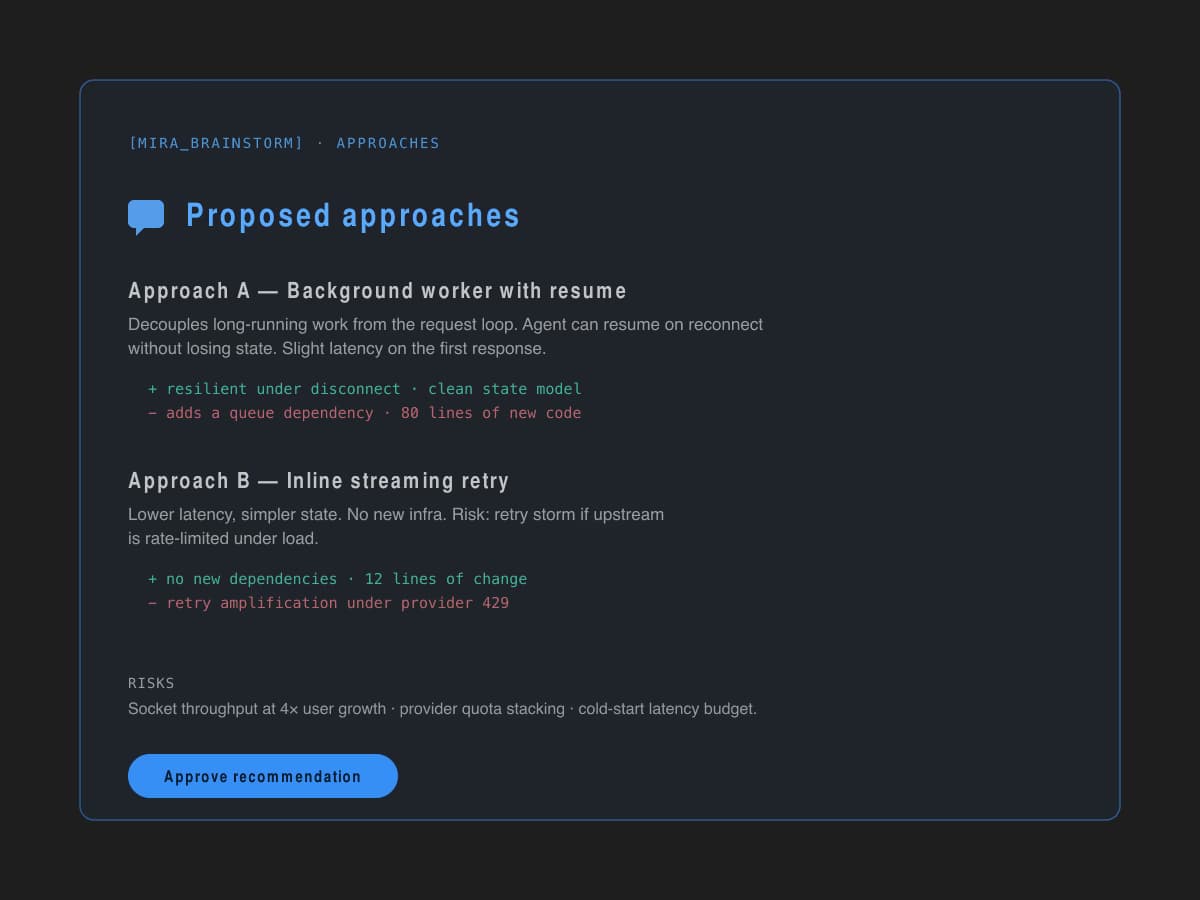
Explore the plan before code
Agents map the task, constraints, and possible implementation paths before touching files.
Run AI coding agents from VS Code or Desktop, approve every tool call, and continue from your phone. One Gateway, four surfaces, full audit trail.
Live across editor, desktop, and mobile. One Gateway behind all of it.
The agent reads your files, sees diagnostics, knows your branch, and respects workspace rules from MIRABRIDGE.md, .cursorrules, CLAUDE.md, and .windsurfrules. Context is gathered server-side and cached for the session — not stitched together with prompt tricks.
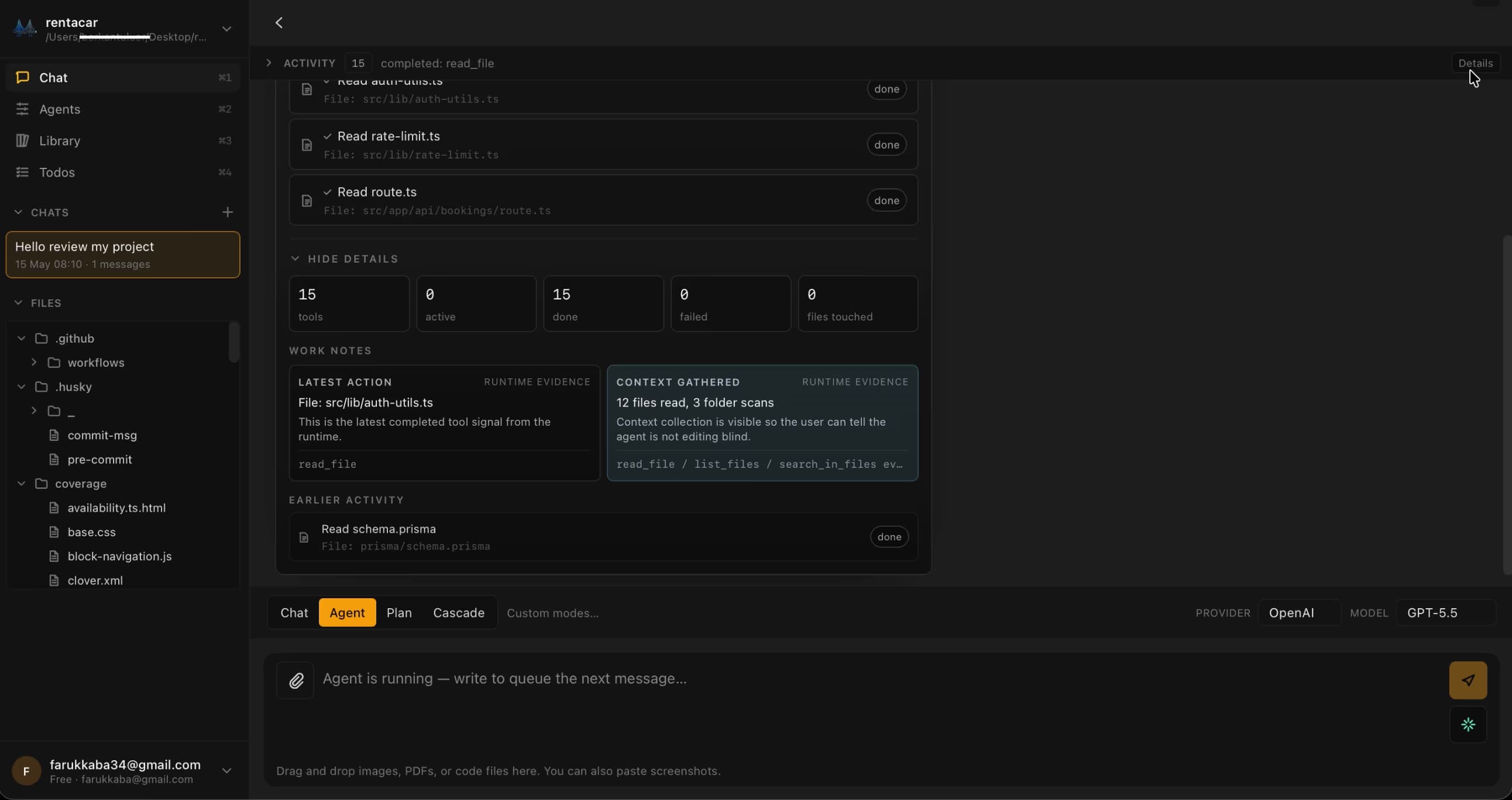
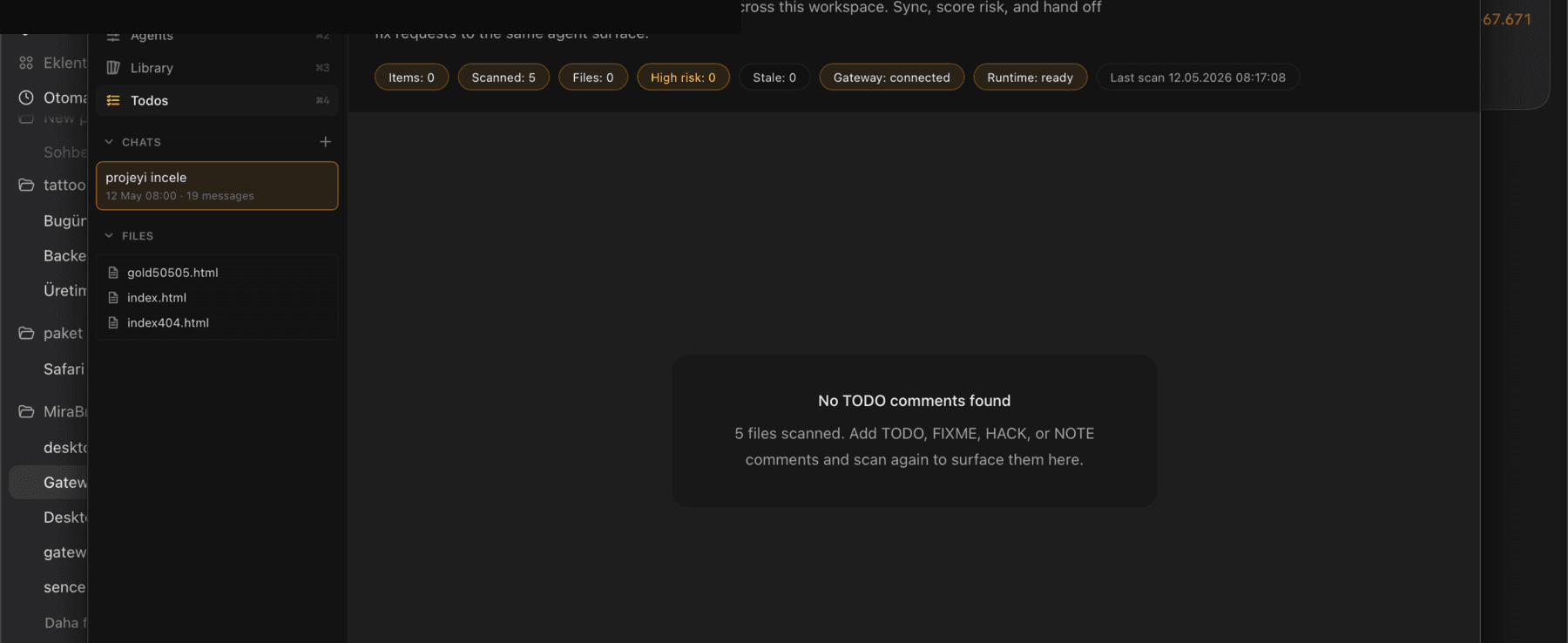
40+ tools — file ops, terminal, git, code intelligence, MCP — route through human approvals. Batch-approve safe steps, single-approve risky ones, audit the trail later. The agent never edits your workspace without your explicit approval.
Switch providers mid-conversation or bring your own keys. The Gateway handles provider routing, circuit breaking, and cost-aware model selection — you don't have to wire that yourself.
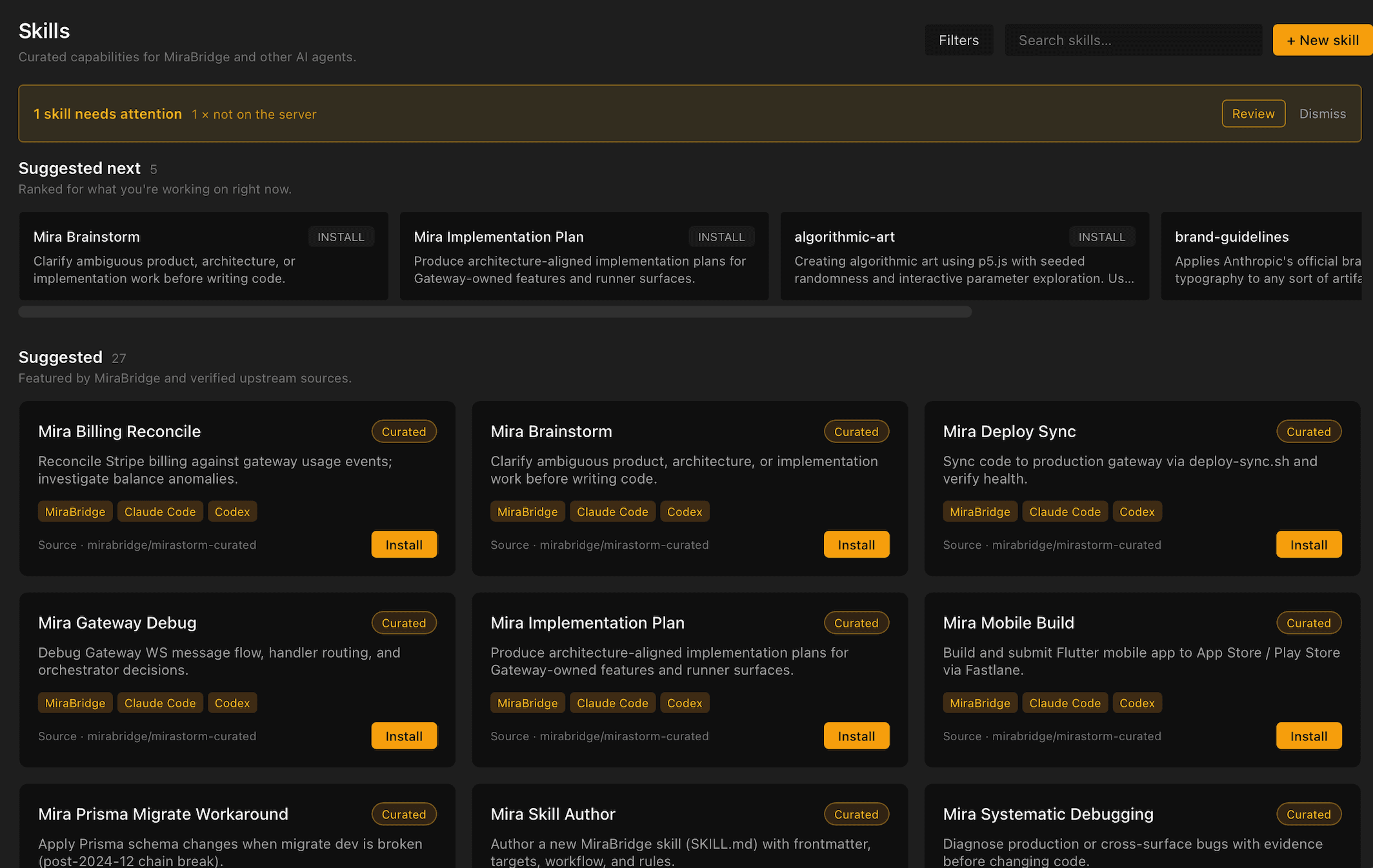
Install a Skill once on Desktop and it shows up in VS Code and mobile too. The Gateway owns the catalog — install, uninstall, and discover SKILL.md-compatible capabilities from any surface.
Real screens from the iOS and Android apps. Review diffs, approve tool calls, and steer a running agent from anywhere — without losing context.
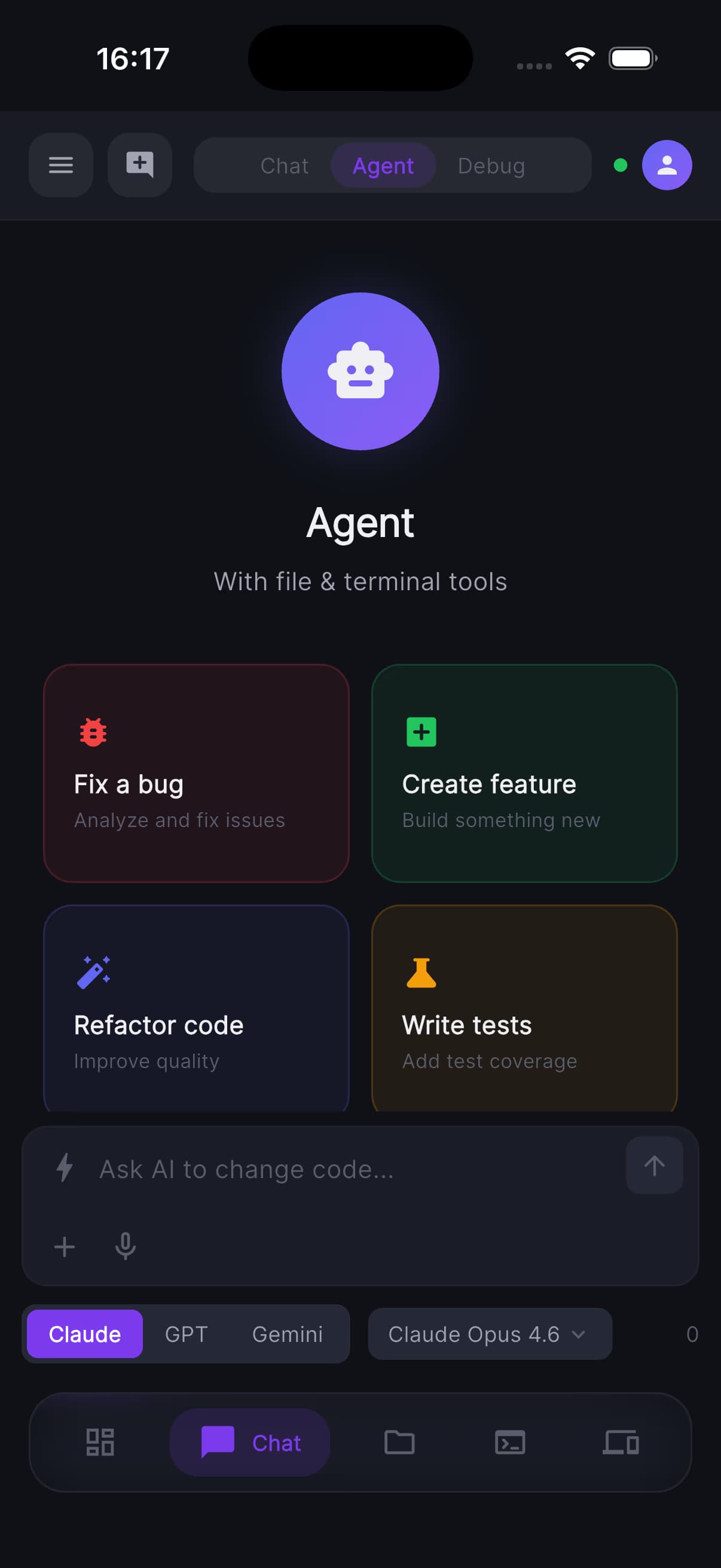
Live agent activity and tool calls
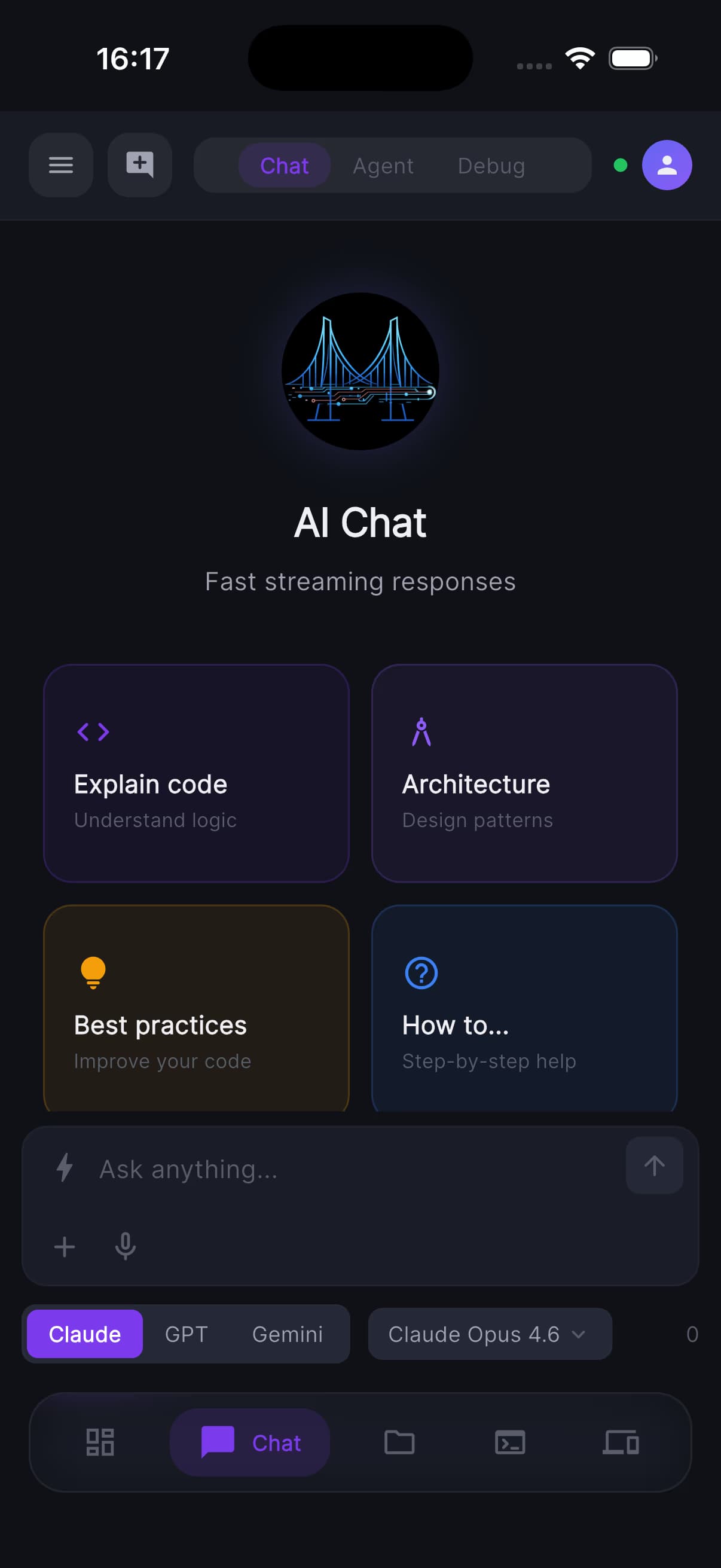
Review diffs, approve or reject in a few taps
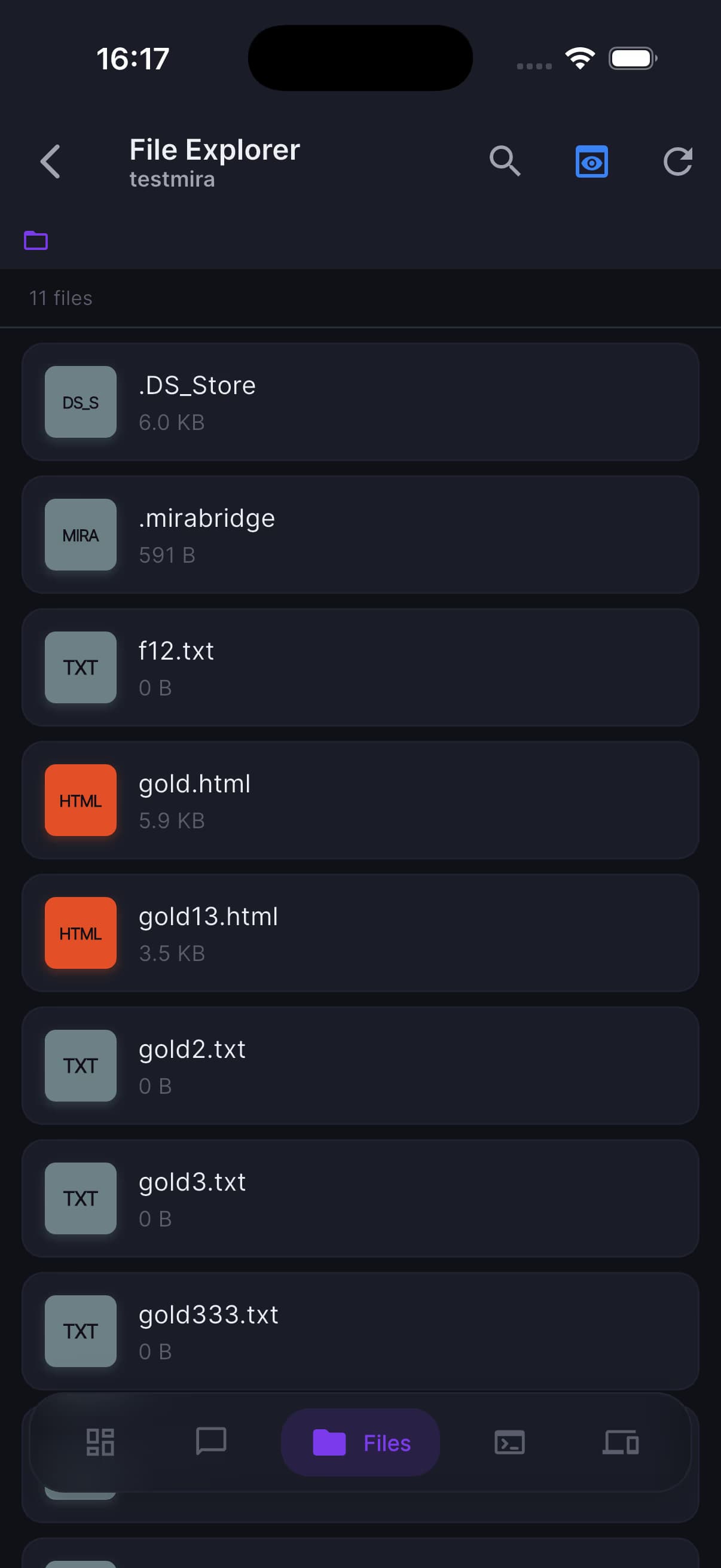
See exactly which files the agent is touching
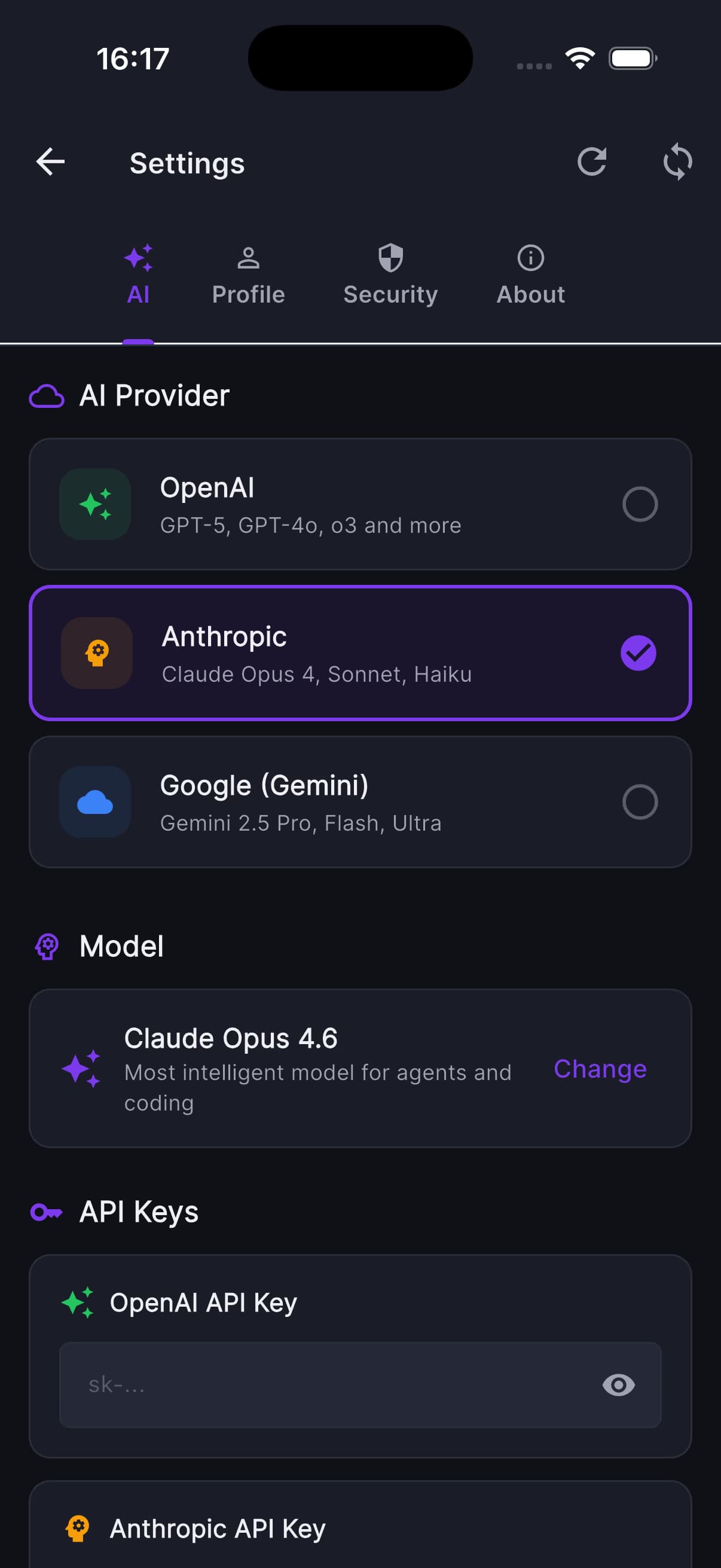
Manage providers without leaving the session
MiraBridge codifies the lifecycle of an agent task. Sessions move through markers you can see, gate, and audit.
Agents map the task, constraints, and possible implementation paths before touching files.
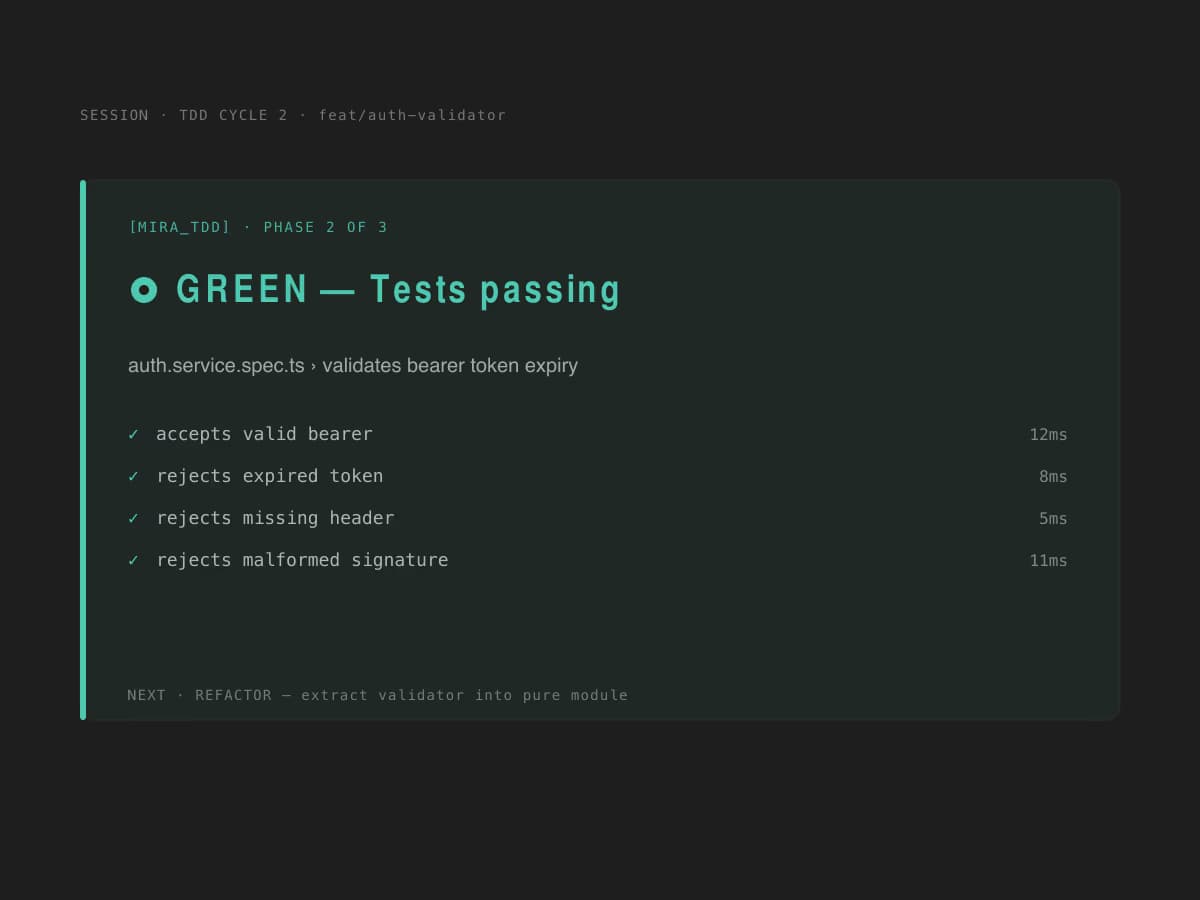
Work moves through red, green, and refactor phases so changes stay anchored to verification.
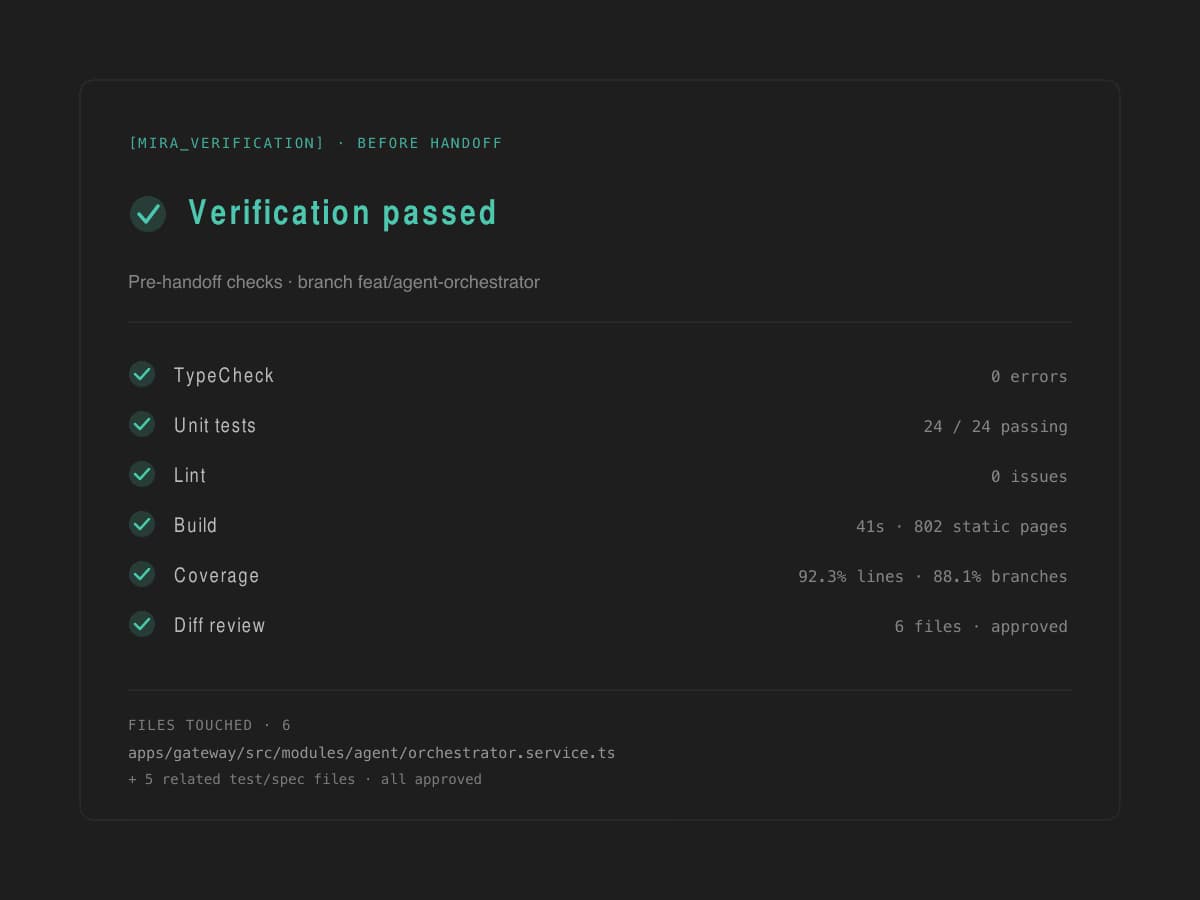
The session closes with checks, results, and a clear approval trail.
Install the editor extension, sign in once, and start orchestrating. Free to try. Bring your own keys if you prefer.
Free to start, no credit card. Bring your own keys to remove limits.