Install MiraBridge on every surface
VS Code, Desktop, iOS, and Android stay connected through the same Gateway. Each runner is independent, but the session stays coherent.
Shipping
Live across editor, desktop, and mobile. One Gateway behind all of it.
MiraBridge Desktop
Tauri-native runner for macOS and Windows. Connects directly to the shared MiraBridge Gateway — no VS Code needed.
Free · ~28 MB · Apple-notarized DMG · Azure-signed Windows installer
SHA256 (macOS): 55733ae6… · SHA256 (Windows): d45a21c2…
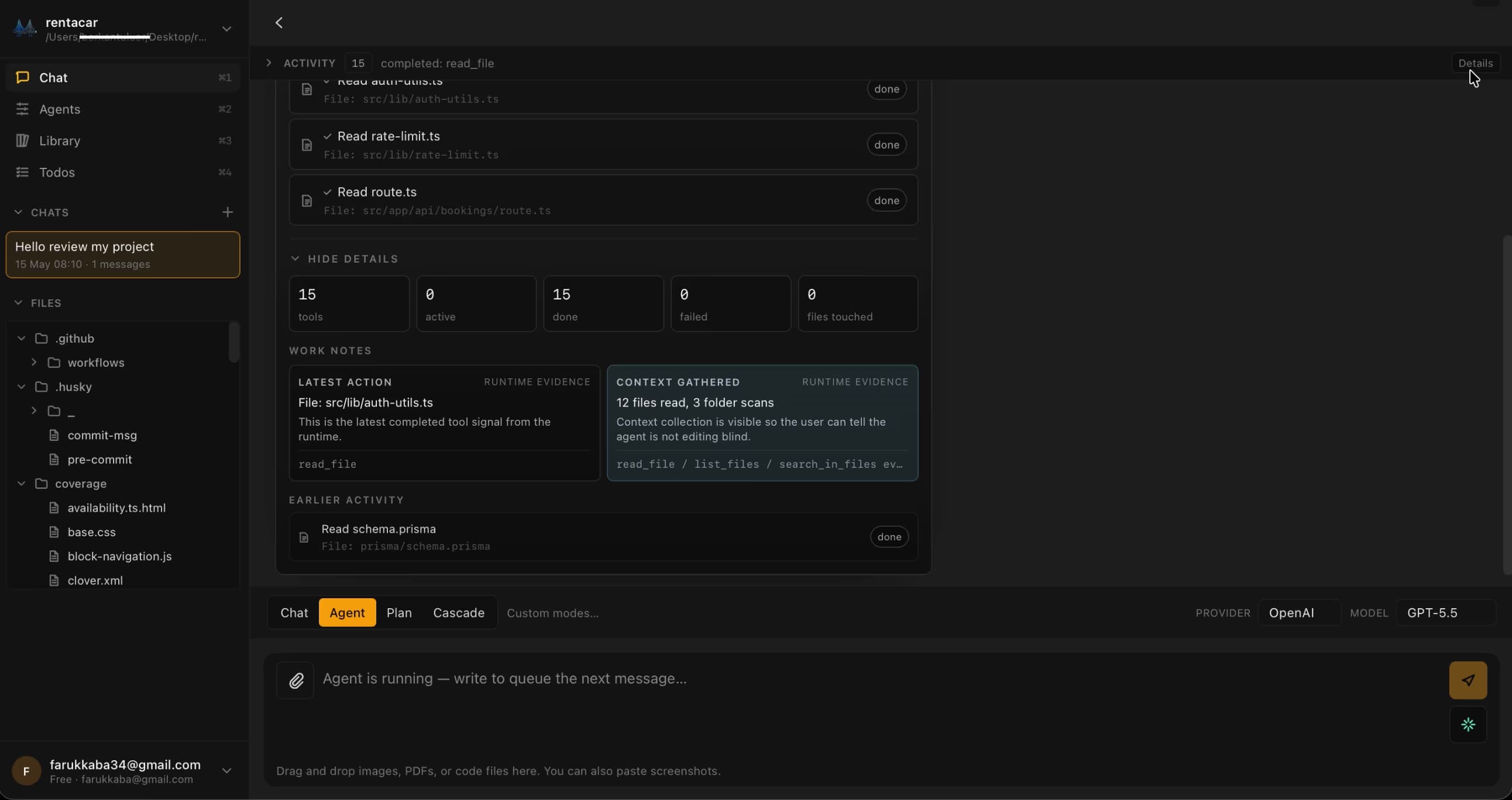
More surfaces, one Gateway
Each runner owns its own session. Sign in once, switch contexts freely. Same backend brain, independent clients.
VS Code Extension
Visual Studio Marketplace
The primary MiraBridge interface. Install directly from the VS Code Marketplace.
Install from Marketplace
iOS App
iPhone · iPad
Manage AI coding sessions from your iPhone or iPad. Monitor, approve, and orchestrate on the go.
Download on App Store
Android App
Google Play
Full MiraBridge mobile experience on Android. Same features, same real-time sync.
Get it on Google Play
Quick Start Guide
- 01
Install the MiraBridge VS Code Extension from the Marketplace.
- 02
Sign up or log in to your MiraBridge account.
- 03
Connect your preferred AI provider (OpenAI, Anthropic, or bring your own key).
- 04
Download the mobile app and pair it via QR code.
- 05
Start your first AI coding session!
System Requirements
VS Code
Version 1.85 or later
Node.js
Version 20 or later (only for local development)
Storage
Minimal - the extension is lightweight
OS
macOS, Windows, or Linux
Run your first agent session in under five minutes
Install the editor extension, sign in once, and start orchestrating. Free to try. Bring your own keys if you prefer.
Free to start, no credit card. Bring your own keys to remove limits.