Explore the plan before code
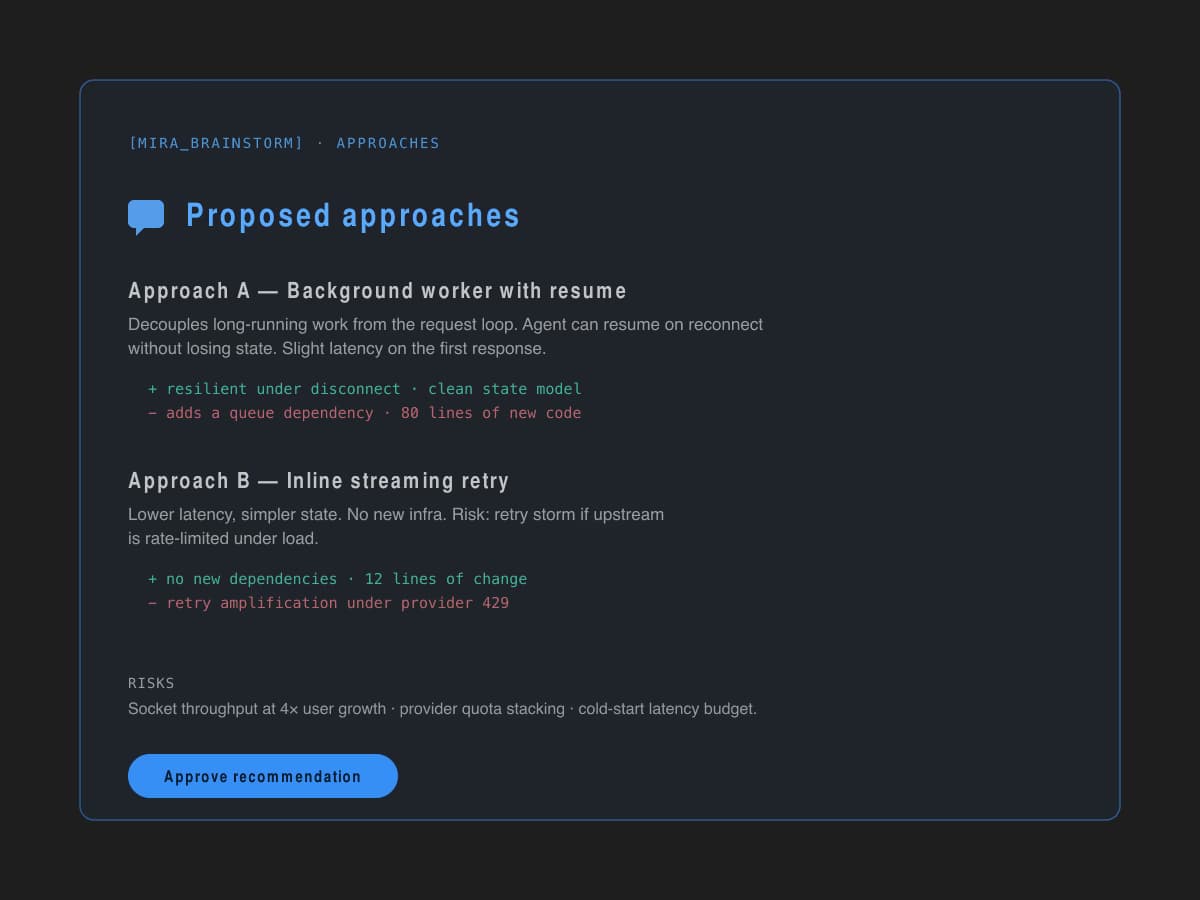
Agents map the task, constraints, and possible implementation paths before touching files.
Run coding agents from your workstation, review diffs from mobile, and keep every agent session under human control.
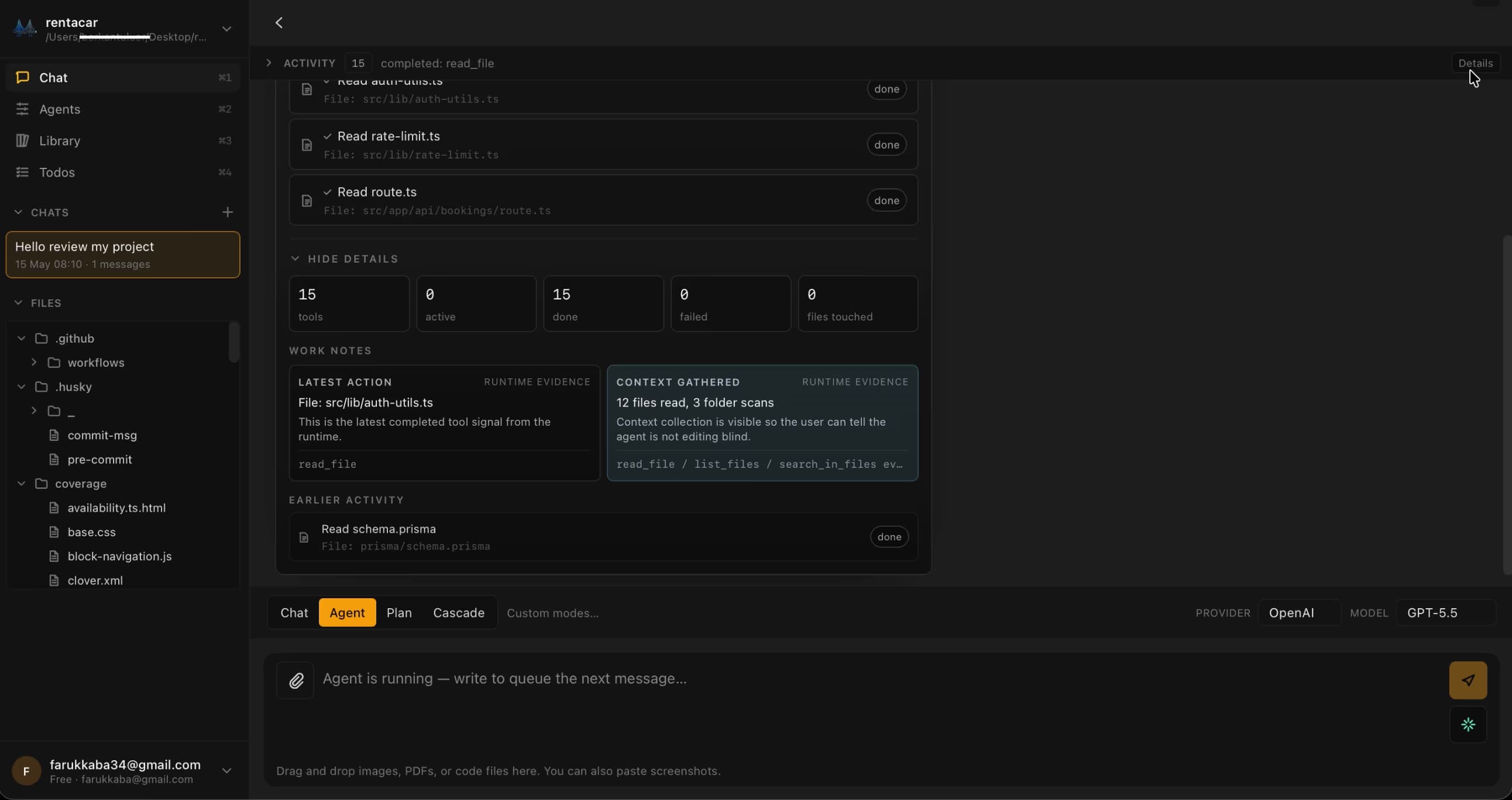
same session · desktop, vs code, mobile
Live across editor, desktop, and mobile. One Gateway behind all of it.
Generating code is the well-served half of the problem. Running an autonomous coding agent end-to-end — across machines, with a developer in the loop — is not. MiraBridge is built for the second half.
A chat panel can draft code. It can't pause an agent at a risky tool call, hand a session to another surface, or keep state coherent across two machines. Orchestration is structure, not just inference.
MiraBridge inserts approval at every file write, terminal command, and risky tool call by default. The developer stays the manager. The agent stays the worker. That separation is the contract.
A diff that starts in your editor can be reviewed on a phone in a meeting and continued back at the workstation without losing context. Same brain, three surfaces, one session.
MiraBridge codifies the lifecycle of an agent task. Sessions move through markers you can see, gate, and audit.
Agents map the task, constraints, and possible implementation paths before touching files.
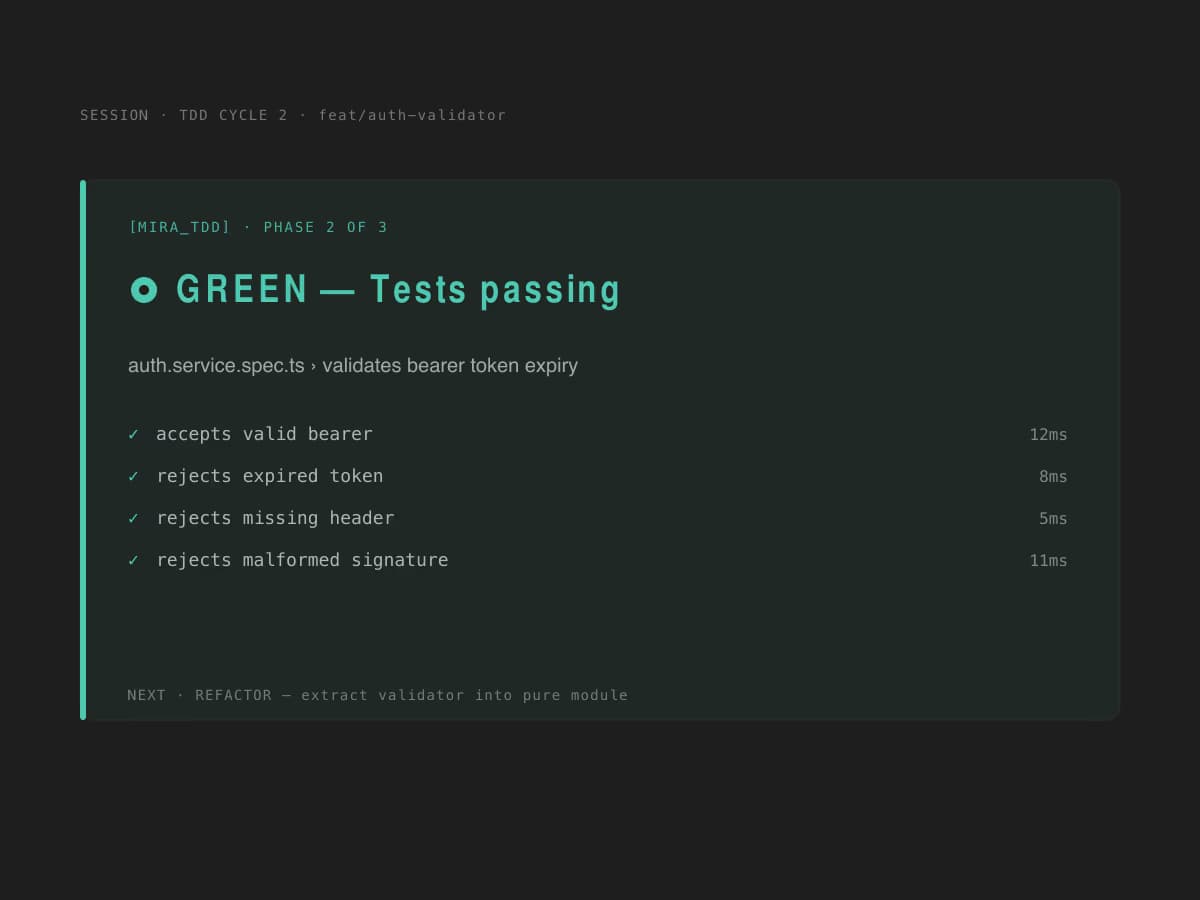
Work moves through red, green, and refactor phases so changes stay anchored to verification.
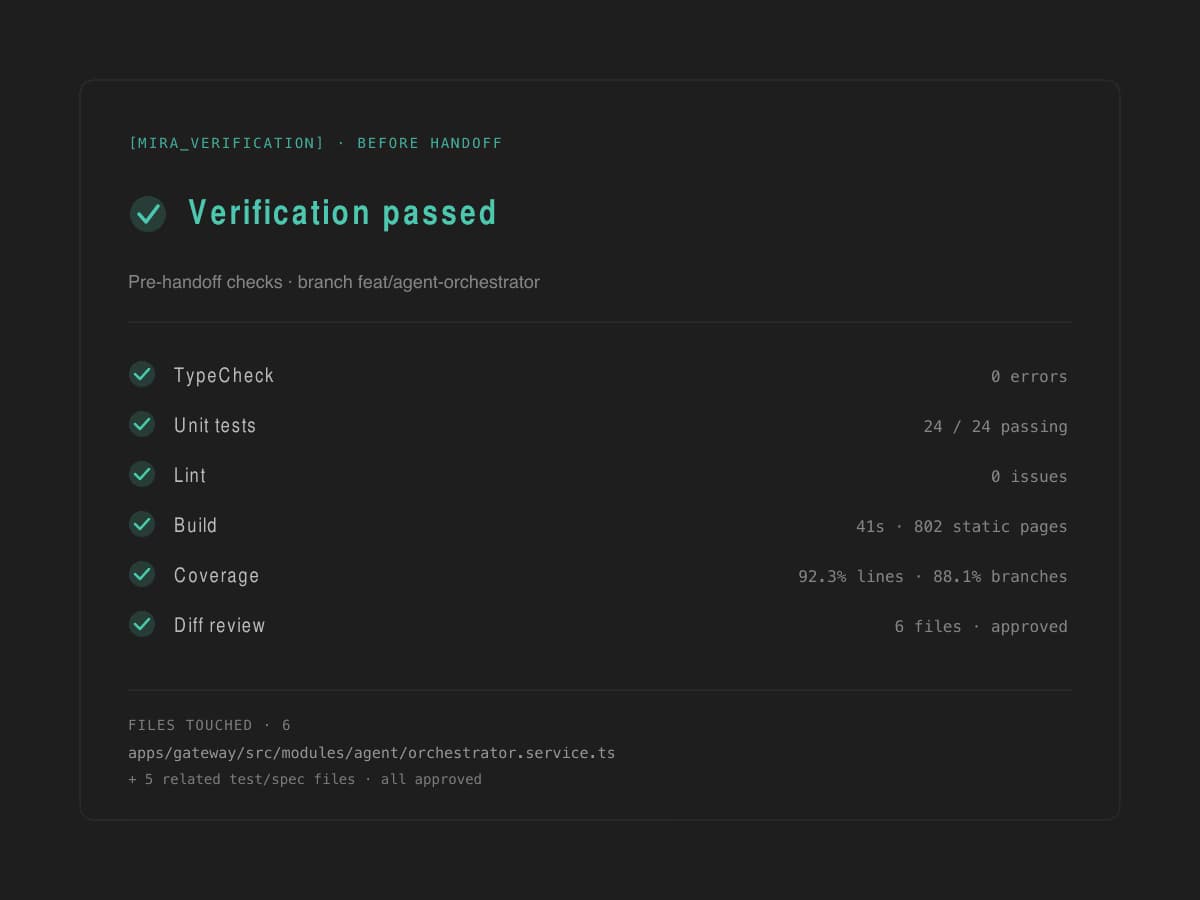
The session closes with checks, results, and a clear approval trail.
Real screens from the iOS and Android apps. Review diffs, approve tool calls, and steer a running agent from anywhere — without losing context.
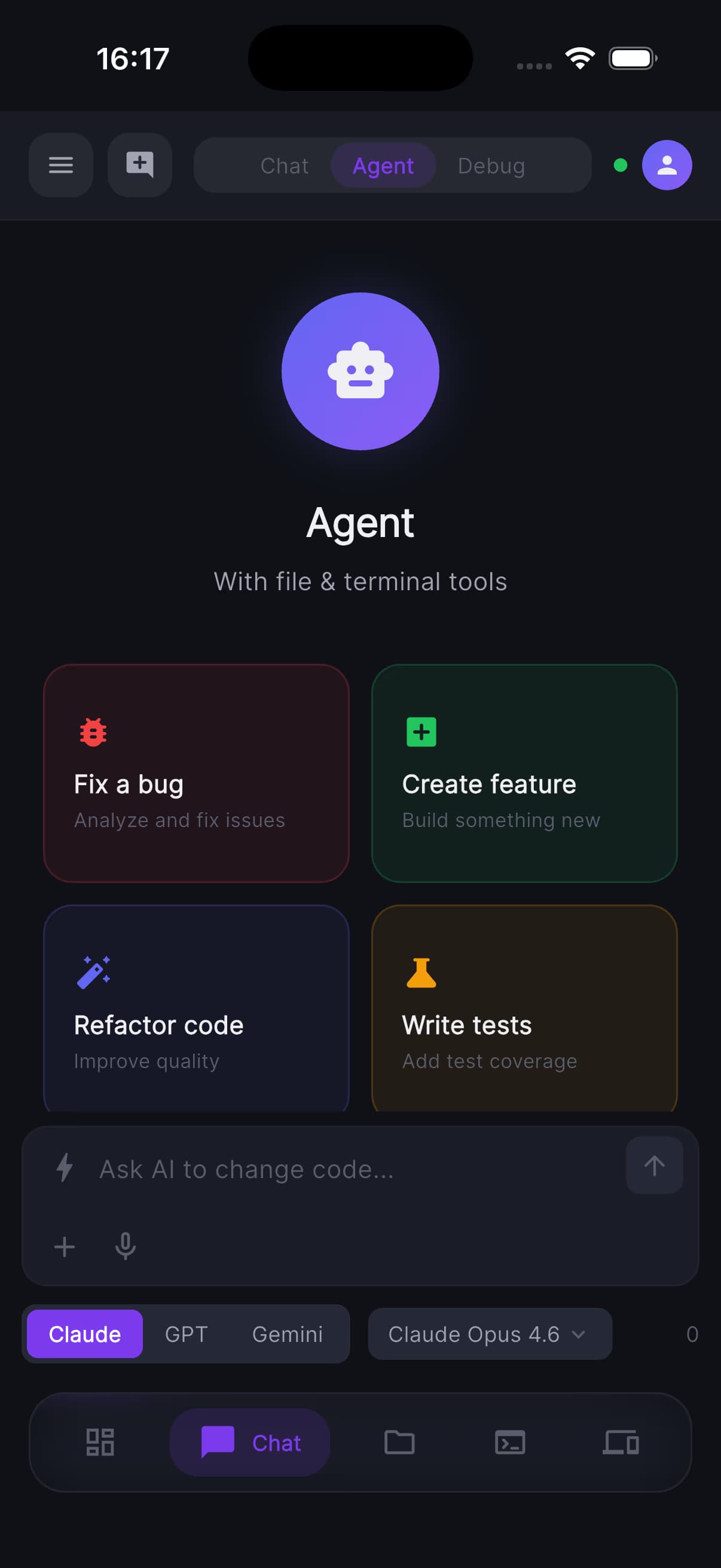
Live agent activity and tool calls
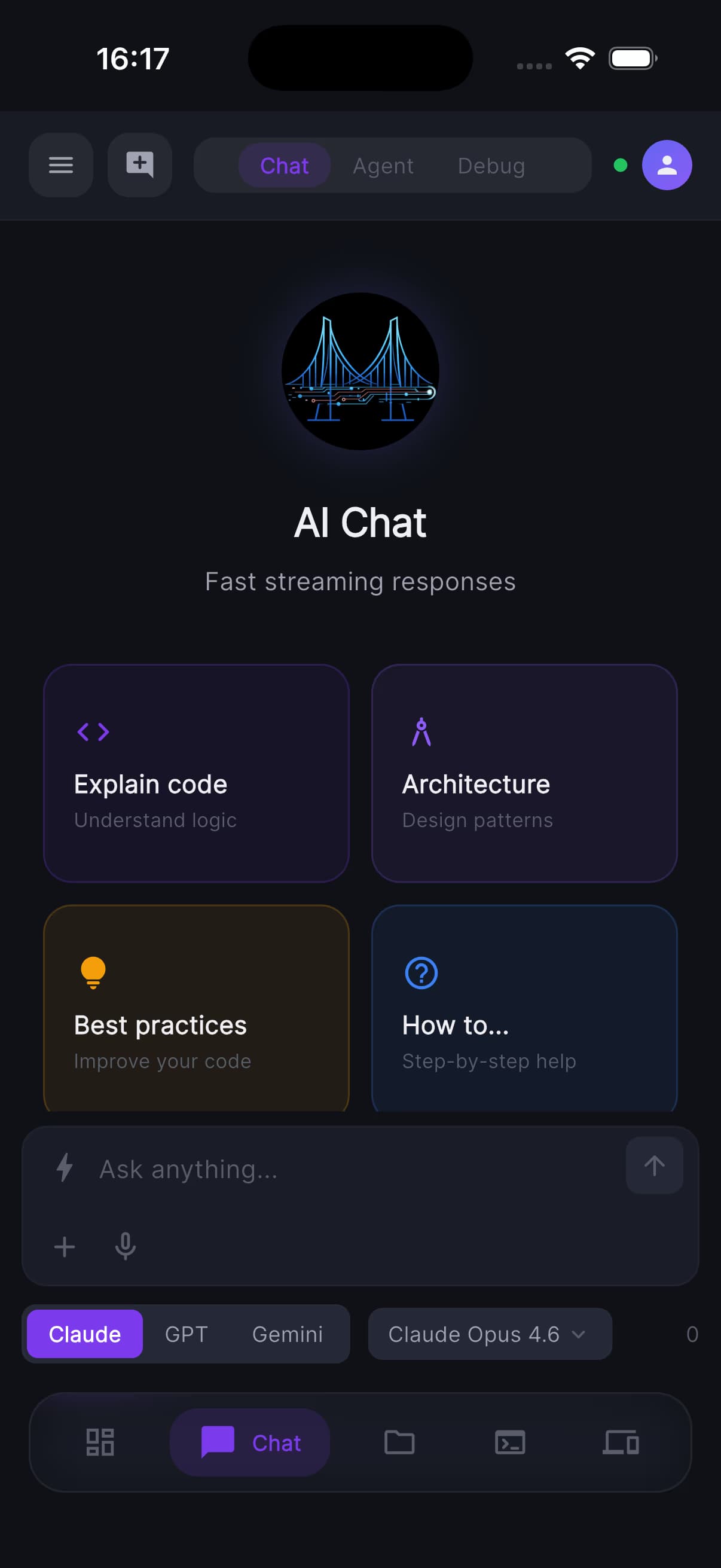
Review diffs, approve or reject in a few taps
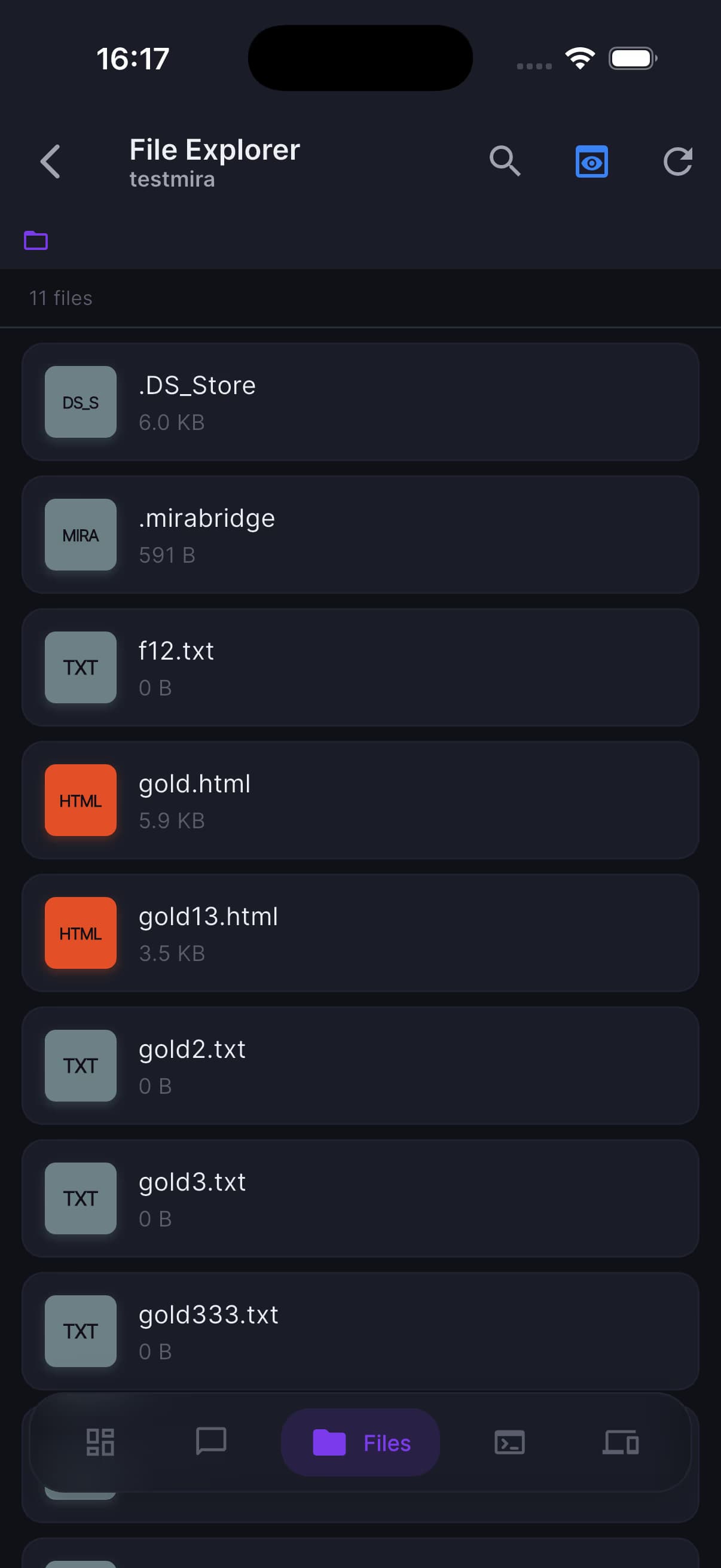
See exactly which files the agent is touching
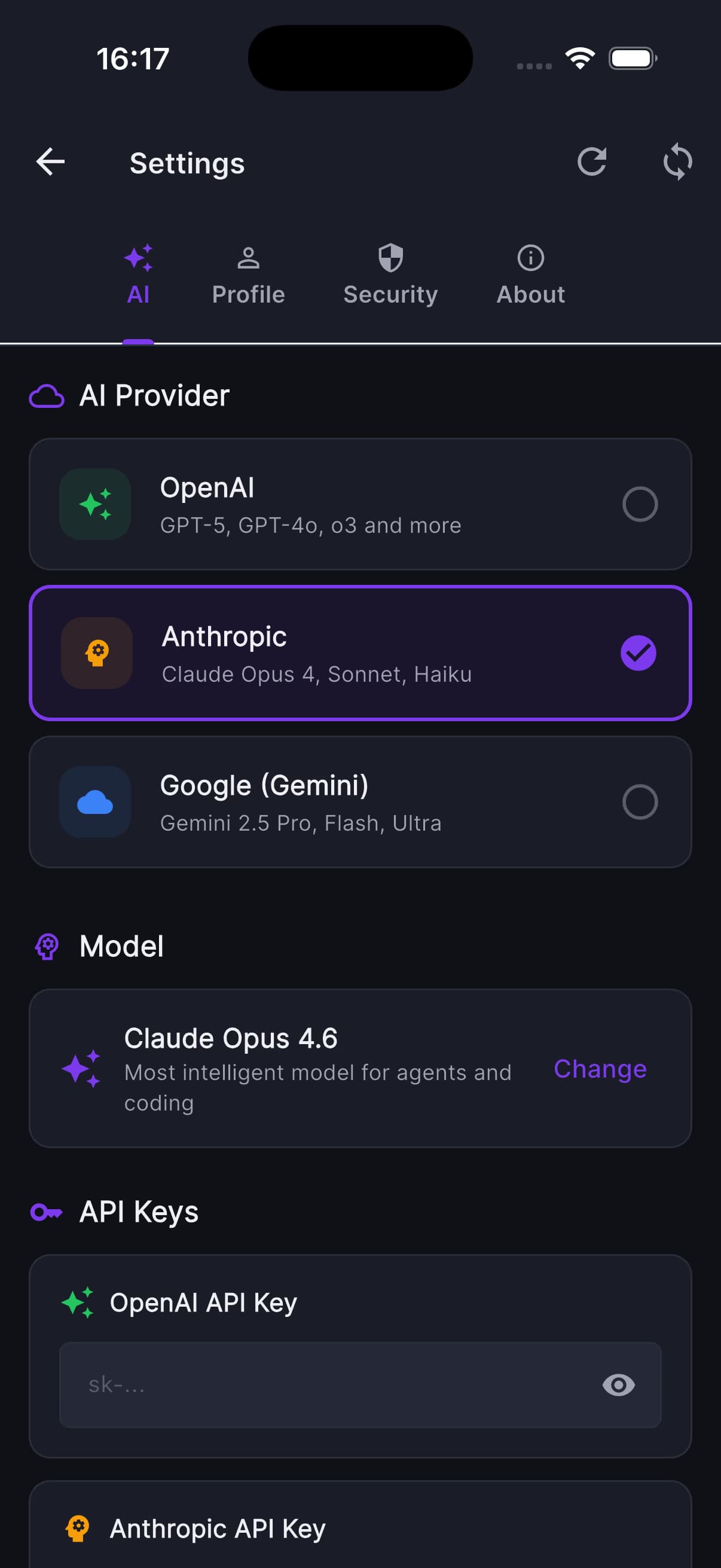
Manage providers without leaving the session
Install the editor extension, sign in once, and start orchestrating. Free to try. Bring your own keys if you prefer.
Free to start, no credit card. Bring your own keys to remove limits.
MiraBridge is live across the core workflows developers use every day, with future surfaces moving through private validation. The goal is simple: one orchestration system for every serious screen.
The primary coding surface is live and already connected to the MiraBridge orchestration layer.
Remote execution, live command output, and approval-aware terminal flows are already operational.
The iPhone companion experience is active for monitoring, approvals, instructions, and live orchestration.
Android is part of the shipping cross-device layer, not a roadmap placeholder.
Watch how MiraBridge turns agent actions into visible approval decisions — click to run the demo.
Give agents room to work without giving up human judgment
Run agent work from Desktop or VS Code, then monitor progress, approve actions, and hand off decisions from mobile when you step away.
AI creates a structured plan before executing. Review, modify, and approve each step.
File operations, terminal commands, git, search, and runtime tools with human review before sensitive execution.
Security-first: writes, shell commands, git mutations, and destructive actions can require explicit approval before execution.
Chain multiple AI steps together for complex multi-step task execution.
Choose GPT-4o, Claude, or Gemini for each task. Switch models mid-conversation. Bring your own API keys for full flexibility.
Model Context Protocol support for extended tool ecosystems.
Playwright-powered browser control for web testing.
Workspace boundaries, command guardrails, secret-aware handling, and approval records for risky actions.
AI remembers context across sessions for smarter assistance.
Start free, upgrade when you need more power
Get started with AI-powered development
Professional plan for developers
For power users and teams
High-volume AI coding for enterprises
Need more? Contact us for Enterprise →
