모든 표면에 MiraBridge 설치
VS Code, Desktop, iOS, Android는 같은 Gateway를 통해 연결됩니다. 각 러너는 독립적이지만 세션은 일관됩니다.
운영 중
에디터, 데스크톱, 모바일에서 동시 운영. 그 뒤에는 하나의 Gateway.
MiraBridge Desktop
macOS와 Windows용 Tauri 네이티브 러너. 공유 MiraBridge Gateway에 직접 연결됩니다 — VS Code 필요 없음.
무료 · ~28 MB · Apple 공증 DMG · Azure 서명 Windows 인스톨러
SHA256 (macOS): 55733ae6… · SHA256 (Windows): d45a21c2…
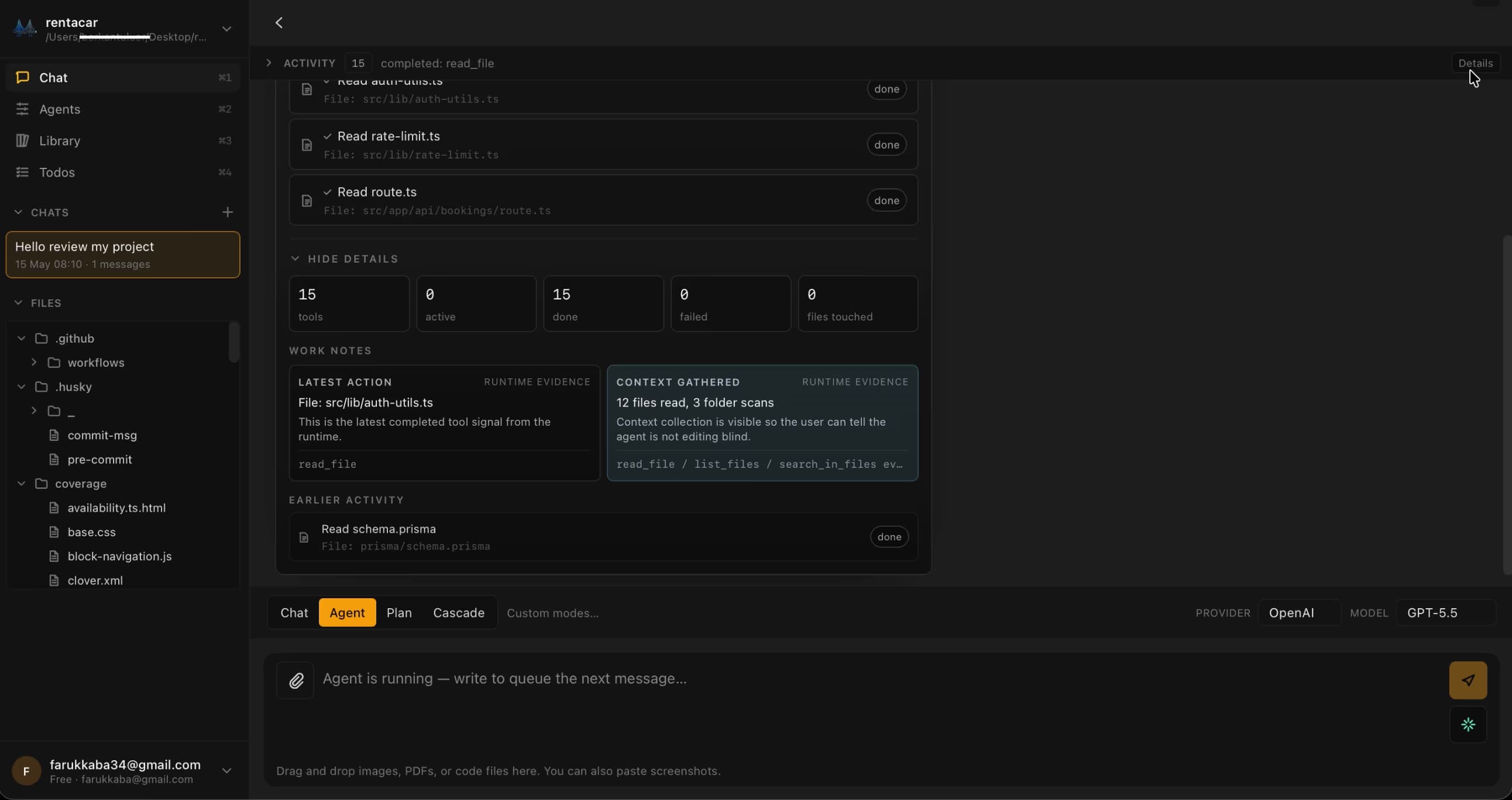
더 많은 표면, 하나의 Gateway
각 러너는 고유한 세션을 가집니다. 한 번 로그인하면 컨텍스트 사이를 자유롭게 전환할 수 있습니다. 같은 백엔드 브레인, 독립된 클라이언트.
VS Code 확장
Visual Studio Marketplace
The primary MiraBridge interface. Install directly from the VS Code Marketplace.
Install from Marketplace
iOS 앱
iPhone · iPad
Manage AI coding sessions from your iPhone or iPad. Monitor, approve, and orchestrate on the go.
Download on App Store
Android 앱
Google Play
Full MiraBridge mobile experience on Android. Same features, same real-time sync.
Get it on Google Play
Quick Start Guide
- 01
Install the MiraBridge VS Code Extension from the Marketplace.
- 02
Sign up or log in to your MiraBridge account.
- 03
Connect your preferred AI provider (OpenAI, Anthropic, or bring your own key).
- 04
Download the mobile app and pair it via QR code.
- 05
Start your first AI coding session!
System Requirements
VS Code
Version 1.85 or later
Node.js
Version 20 or later (only for local development)
Storage
Minimal - the extension is lightweight
OS
macOS, Windows, or Linux
5분 안에 첫 에이전트 세션을 실행해 보세요
에디터 익스텐션을 설치하고, 한 번 로그인한 뒤, 오케스트레이션을 시작합니다. 체험은 무료. 원하면 자신의 API 키를 사용해도 됩니다.
시작은 무료, 신용카드 불필요. 제한을 풀려면 자신의 API 키를 사용하세요.