MiraBridge auf jeder Oberfläche installieren
VS Code, Desktop, iOS und Android bleiben über dasselbe Gateway verbunden. Jeder Runner ist unabhängig, aber die Session bleibt konsistent.
Live
Live auf Editor, Desktop und Mobile. Ein Gateway dahinter, für alles.
MiraBridge Desktop
Tauri-native Runner für macOS und Windows. Verbindet sich direkt mit dem geteilten MiraBridge Gateway — VS Code wird nicht benötigt.
Kostenlos · ~28 MB · Apple-notarisiertes DMG · Azure-signierter Windows-Installer
SHA256 (macOS): 55733ae6… · SHA256 (Windows): d45a21c2…
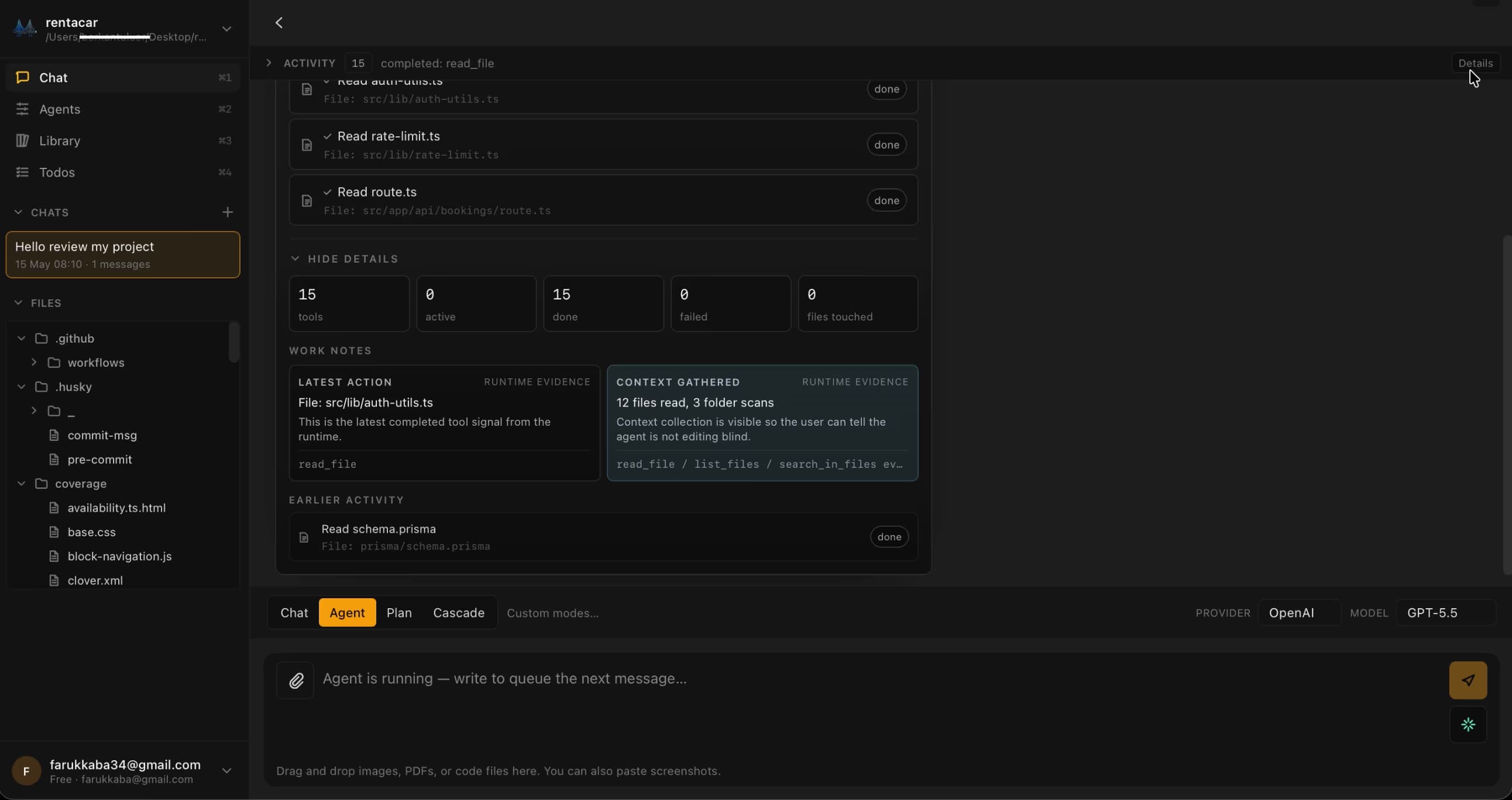
Mehr Oberflächen, ein Gateway
Jeder Runner besitzt seine eigene Session. Einmal anmelden, frei zwischen Kontexten wechseln. Dasselbe Backend-Brain, unabhängige Clients.
VS Code-Erweiterung
Visual Studio Marketplace
The primary MiraBridge interface. Install directly from the VS Code Marketplace.
Install from Marketplace
iOS-App
iPhone · iPad
Manage AI coding sessions from your iPhone or iPad. Monitor, approve, and orchestrate on the go.
Download on App Store
Android-App
Google Play
Full MiraBridge mobile experience on Android. Same features, same real-time sync.
Get it on Google Play
Quick Start Guide
- 01
Install the MiraBridge VS Code Extension from the Marketplace.
- 02
Sign up or log in to your MiraBridge account.
- 03
Connect your preferred AI provider (OpenAI, Anthropic, or bring your own key).
- 04
Download the mobile app and pair it via QR code.
- 05
Start your first AI coding session!
System Requirements
VS Code
Version 1.85 or later
Node.js
Version 20 or later (only for local development)
Storage
Minimal - the extension is lightweight
OS
macOS, Windows, or Linux
Deine erste Agent-Session in unter fünf Minuten
Editor-Extension installieren, einmal einloggen, orchestrieren. Kostenlos zum Ausprobieren. Eigene API-Keys, wenn du sie hast.
Kostenloser Start, keine Kreditkarte. Eigene Keys mitbringen, um Limits aufzuheben.