すべてのサーフェスに MiraBridge をインストール
VS Code、Desktop、iOS、Android は同じ Gateway 経由でつながり続けます。各ランナーは独立していますが、セッションは一貫しています。
稼働中
エディター、デスクトップ、モバイルで稼働中。その背後にはひとつの Gateway。
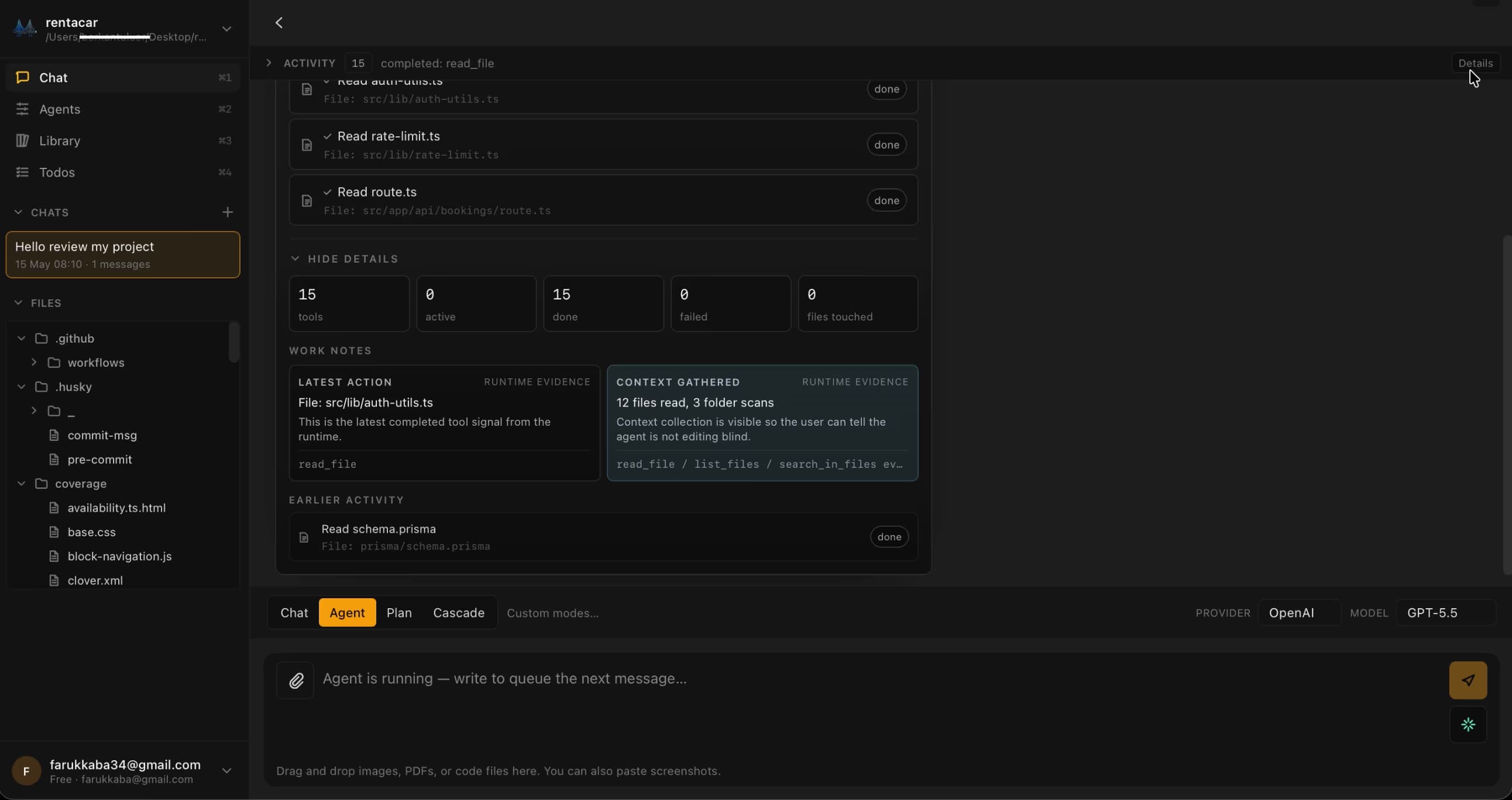
MiraBridge Desktop
macOS と Windows 向けの Tauri ネイティブ・ランナー。共有 MiraBridge Gateway に直接接続します — VS Code は不要です。
無料 · ~28 MB · Apple 公証済み DMG · Azure 署名済み Windows インストーラー
SHA256 (macOS): 55733ae6… · SHA256 (Windows): d45a21c2…
より多くのサーフェス、一つの Gateway
各ランナーは自分のセッションを持ちます。一度ログインすれば、コンテキスト間を自由に切り替えられます。同じバックエンドのブレイン、独立したクライアント。
VS Code拡張機能
Visual Studio Marketplace
The primary MiraBridge interface. Install directly from the VS Code Marketplace.
Install from Marketplace
iOSアプリ
iPhone · iPad
Manage AI coding sessions from your iPhone or iPad. Monitor, approve, and orchestrate on the go.
Download on App Store
Androidアプリ
Google Play
Full MiraBridge mobile experience on Android. Same features, same real-time sync.
Get it on Google Play
Quick Start Guide
- 01
Install the MiraBridge VS Code Extension from the Marketplace.
- 02
Sign up or log in to your MiraBridge account.
- 03
Connect your preferred AI provider (OpenAI, Anthropic, or bring your own key).
- 04
Download the mobile app and pair it via QR code.
- 05
Start your first AI coding session!
System Requirements
VS Code
Version 1.85 or later
Node.js
Version 20 or later (only for local development)
Storage
Minimal - the extension is lightweight
OS
macOS, Windows, or Linux
5 分以内に、最初のエージェントセッションを動かす
エディター拡張を入れて、1 回サインインし、オーケストレーションを始めましょう。お試しは無料。お好みで、ご自身の API キーを持ち込めます。
開始は無料、クレジットカード不要。制限を外したいときはご自身の API キーを。